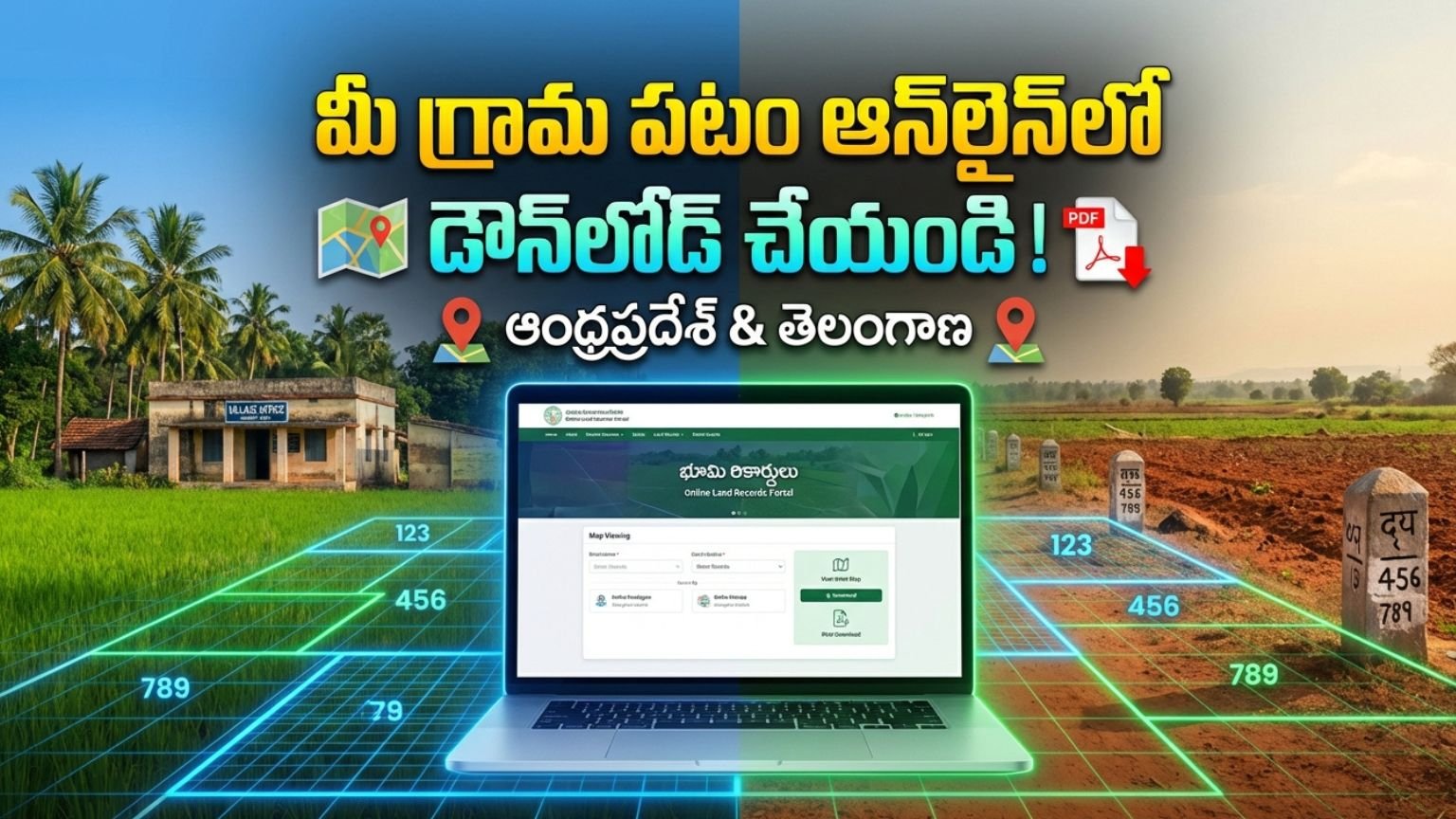
Download Your Village Map Online in Andhra Pradesh & Telangana (2026) g 3
Accessing village maps, cadastral maps, and survey records online has become simple and transparent in both Andhra Pradesh and Telangana. Whether you are a farmer, property buyer, real estate investor, bank applicant, or legal professional, downloading your village map online helps you verify land ownership, boundaries, and survey details instantly.
Download Village Map Online in Andhra Pradesh
The Government of Andhra Pradesh provides land records and village map access through:
👉 MeeBhoomi
MeeBhoomi is the official digital land records portal that allows citizens to check:
- Adangal (Village Account No. 3)
- 1-B Land Records
- Field Measurement Book (FMB)
- Survey Number Details
- Village Maps
Step-by-Step Process to Download Village Map in Andhra Pradesh
Step 1: Visit Official Portal
Open the MeeBhoomi official website.
Step 2: Select FMB / Village Map Option
Choose the “FMB Map” or relevant survey map section.
Step 3: Enter Required Details
Provide:
- District
- Mandal
- Village
- Survey Number
Step 4: View Map
The system will display the village map or survey sketch.
Step 5: Download or Print
Download the PDF copy or take a printout for reference.
What is FMB (Field Measurement Book)?
FMB contains:
- Exact land measurements
- Plot boundaries
- Subdivision numbers
- Road and access paths
This document is crucial for:
- Agricultural land verification
- Bank loan approval
- Property dispute resolution
- Land registration
Download Village Map Online in Telangana
In Telangana, land records and village maps are managed through:
👉 Dharani
Dharani is Telangana’s integrated land records and registration management system.
Step-by-Step Process to Download Village Map in Telangana
Step 1: Visit Dharani Portal
Open the official Dharani website.
Step 2: Select Land Details Search
Choose “Land Details” or “Cadastral Map” option.
Step 3: Enter Property Details
Fill in:
- District
- Mandal
- Village
- Survey Number
Step 4: View Cadastral Map
The system will show:
- Survey boundaries
- Plot layout
- Ownership details
Step 5: Download Map
Save the map as PDF for official reference.
What is a Cadastral Map?
A cadastral map is an official land boundary map that shows:
- Individual land parcels
- Survey numbers
- Village boundaries
- Ownership demarcation
It is widely used for:
- Property registration
- Mutation process
- Legal verification
- Bank mortgage
Why Downloading Village Map Online is Important
1. Property Purchase Verification
Before buying land, verify:
- Survey number
- Boundaries
- Encroachments
- Access roads
2. Bank Loan Approval
Banks require:
- Survey map
- Land ownership proof
- Measurement details
3. Agricultural Subsidy Applications
Village map helps in:
- Crop insurance
- Government schemes
- PMAY housing subsidy
- Farmer loan applications
4. Legal Protection
Online village maps help prevent:
- Fraudulent land sales
- Boundary disputes
- Duplicate registrations
Difference Between MeeBhoomi and Dharani
| Feature | Andhra Pradesh | Telangana |
|---|---|---|
| Official Portal | MeeBhoomi | Dharani |
| FMB Available | Yes | Yes |
| Online Survey Map | Yes | Yes |
| Integrated Registration | Partial | Fully Integrated |
| Digital Mutation | Yes | Yes |
Is Online Village Map Legally Valid?
Yes, the map displayed on official government portals is based on revenue department records.
However:
- For court submission, a certified copy from Tahsildar office may be required.
- Always cross-check survey number before legal transactions.
Can You Download Village Map Using Mobile?
Yes. Both portals are:
- Mobile-friendly
- Accessible via smartphone
- PDF downloadable
For better clarity, use desktop for high-resolution print.
Common Errors and Solutions
Website Not Opening
Try accessing during non-peak hours.
Survey Number Not Found
Check spelling and verify with local revenue office.
Map Not Clear
Download PDF version instead of screenshot.
Documents Required
To view village map online, you usually need:
- Survey Number
- District, Mandal, Village details
- Aadhaar (for some integrated services)
No physical document upload is required for viewing.
Benefits of Digital Land Records in 2026
- Transparency in land ownership
- Reduced corruption
- Faster loan processing
- Time-saving access
- 24/7 online availability
- GIS-based accurate mapping
Both Andhra Pradesh and Telangana are moving towards advanced digital mapping systems for land administration.
Frequently Asked Questions (FAQs)
Is village map download free?
Yes, viewing is free. Certified copies may involve charges.
Can NRIs access land maps?
Yes, portals are accessible worldwide.
Is Aadhaar mandatory?
Not for basic map viewing.
Can I check land ownership details?
Yes, survey number search shows ownership data.
LINK
Downloading your village map online in Andhra Pradesh or Telangana is now simple, transparent, and efficient. By using official government portals like:
- MeeBhoomi (AP)
- Dharani (Telangana)
You can verify land boundaries, ownership, and survey details without visiting government offices.
Before purchasing land, applying for bank loans, or submitting subsidy applications, always download and verify the official village map.
Digital land record systems in 2026 have made property transactions safer, faster, and more transparent for citizens.
How to Check Village Map Online in Andhra Pradesh
Andhra Pradesh land records are available through the official portal:
👉 MeeBhoomi
Step-by-Step Process:
Step 1: Visit Official Website
Open your browser and go to the official MeeBhoomi portal.
Step 2: Select FMB / Village Map Option
On the homepage, find and click the “FMB” (Field Measurement Book) or “Village Map” option.
Step 3: Enter Required Details
You need to select:
-
District
-
Mandal
-
Village
-
Survey Number
Make sure you enter the correct survey number.
Step 4: Submit the Details
Click on the “Submit” button. The system will process your request.
Step 5: View the Map
Your village survey map will appear on the screen showing:
-
Land boundaries
-
Measurements
-
Subdivision details
Step 6: Download or Print
You can download the map as a PDF or take a printout for reference.
✅ How to Check Village Map Online in Telangana
Telangana land records are available through:
👉 Dharani
Step-by-Step Process:
Step 1: Visit Dharani Portal
Open the official Dharani website.
Step 2: Click on “Land Details Search”
Choose the Land Details or Cadastral Map option.
Step 3: Enter Property Information
Select:
-
District
-
Mandal
-
Village
-
Survey Number
Step 4: View Cadastral Map
The system will display the village map including:
-
Survey boundaries
-
Plot layout
-
Ownership information
Step 5: Download the Map
You can save it as a PDF or print it.
Important Tips
-
Always double-check the survey number before submitting.
-
Use a desktop for better clarity.
-
For legal court use, get a certified copy from the Tahsildar office.
-
The online copy is valid for general verification and loan purposes.
Why Checking Village Map Online is Important
-
Prevents land fraud
-
Helps in property buying
-
Required for bank loans
-
Useful for agricultural schemes
-
Avoids boundary disputes
LINK
Checking your village map online in Andhra Pradesh or Telangana is quick, free, and secure. Use official government portals like MeeBhoomi (AP) and Dharani (Telangana) to verify survey numbers and land boundaries before making any property transaction